 Schematic Net Tracer
Click a wire in a PDF schematic.
See where it goes.
Net Tracer turns a plain vector PDF export from EasyEDA, KiCad, Altium or Eagle into an interactive schematic: highlighted nets, pin lists, part search, dangling-wire detection. No AI, no upload — everything runs in your browser.
Open the viewer Try a sample Get the Chrome extensionOn a phone: open the viewer, then “Add to Home screen” in the browser menu — it becomes an offline app and a share target for PDFs.
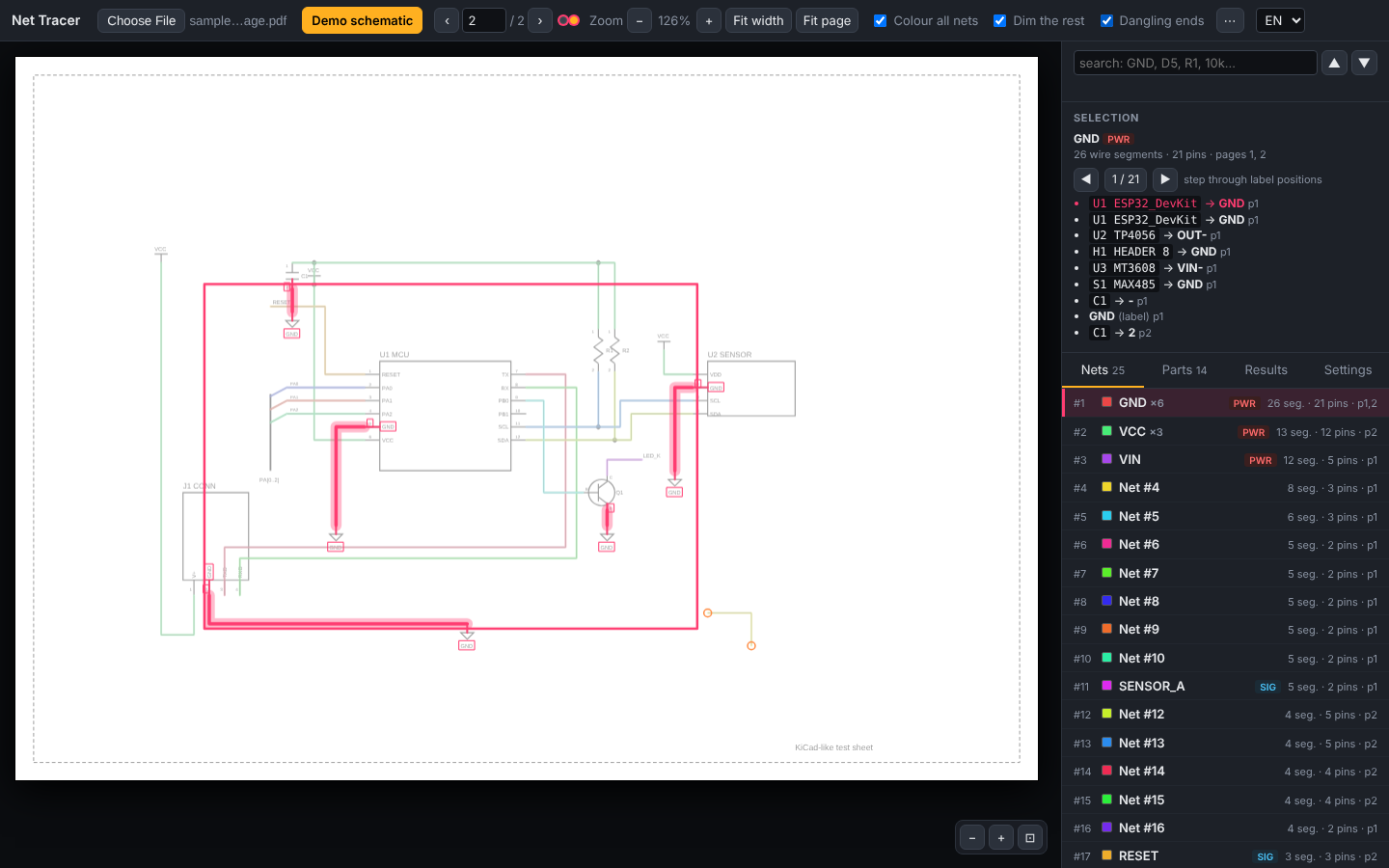
Before / after
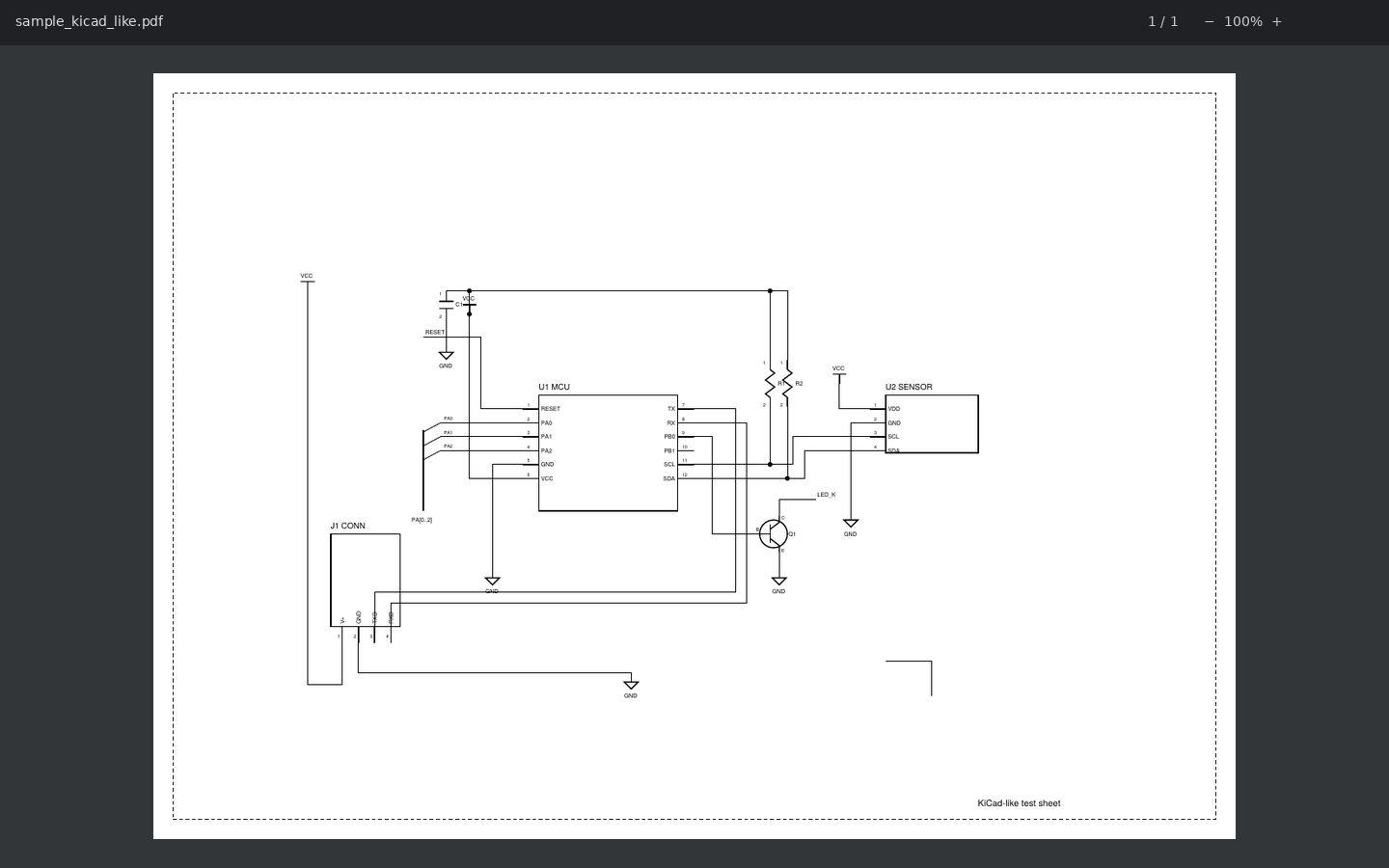
Nets
Every net with its type (power / signal), label count and pages. Step through all label positions of a net with ◀ ▶ — across pages too.
Parts
Reference designators with values (R5 10k, U4 AMS1117-3.3), multi-unit parts grouped, one click to jump to the part.
Search everything
Net names, pin names, references, values and any printed text. Exact matches first, yellow markers on the sheet, ▲ ▼ to walk the results.
Dangling ends
Wire ends that reach nothing are marked — a quick way to spot broken or unfinished traces when repairing from a schematic.
Wire vs. graphics
Colours and line widths you tick are wires; symbol graphics attach to nets but never short them. Widths are picked automatically, with a manual override.
Phone & tablet
Bottom-sheet layout, pinch zoom, tap to pick a net (with a chooser when wires overlap). Install it from the browser menu — it works offline, and on Android it appears in Share → Net Tracer for any PDF.
Export
Nodes and parts as Excel-safe CSV, or the netlist as text. Multi-page PDFs are analysed completely, same-name labels merged across sheets.
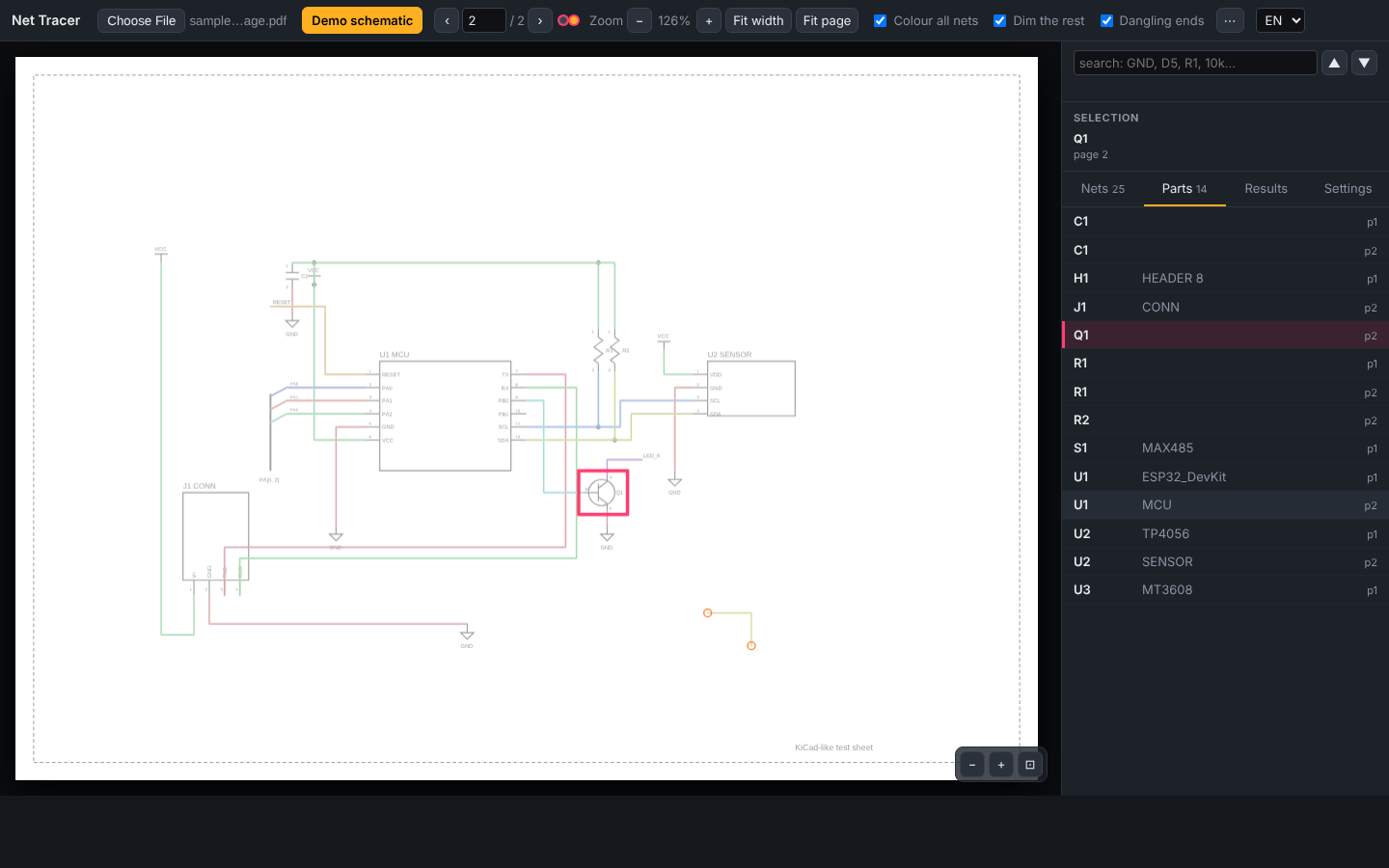
Q1 selected.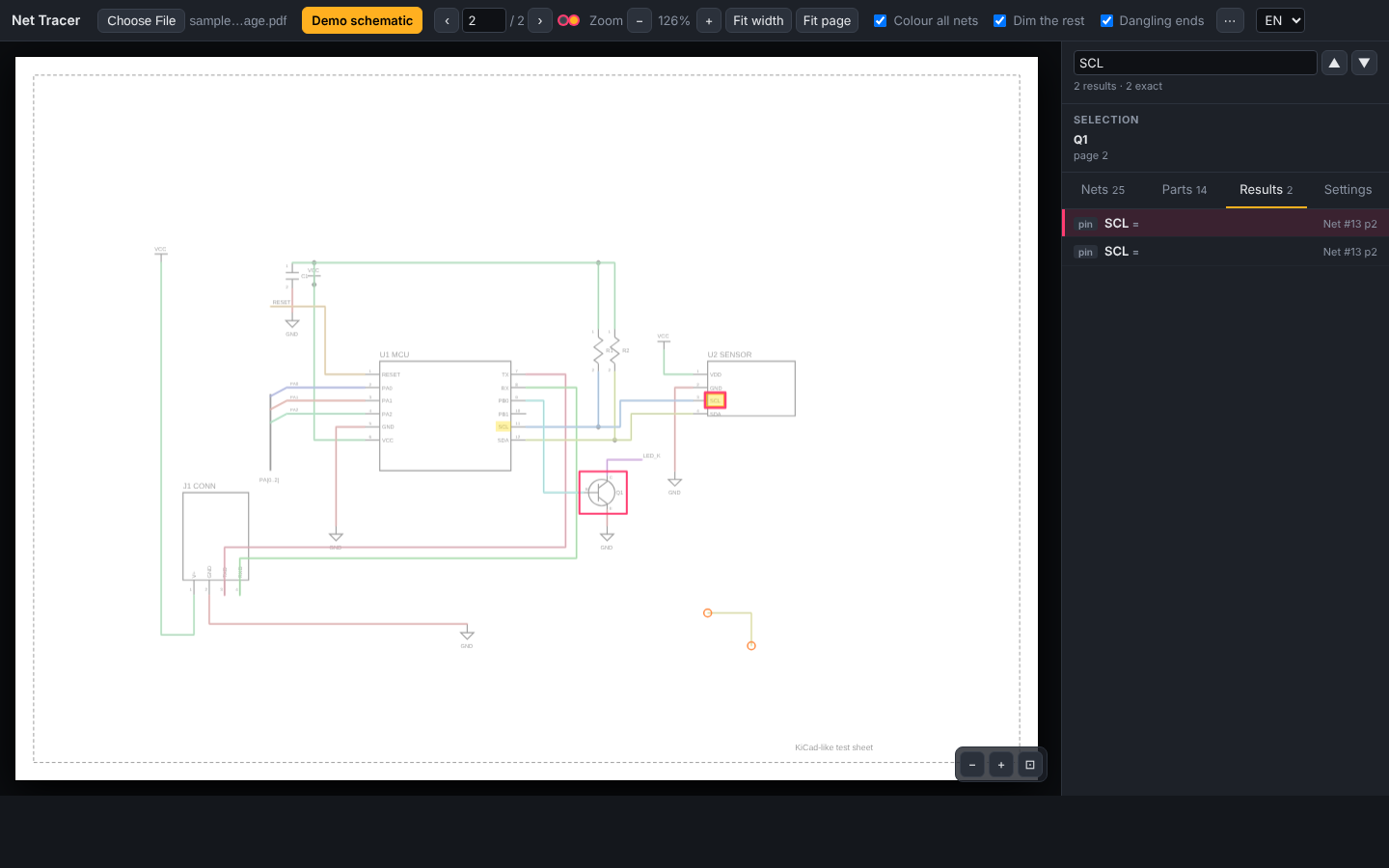
SCL — results by kind, markers on the sheet.Chrome / Edge extension
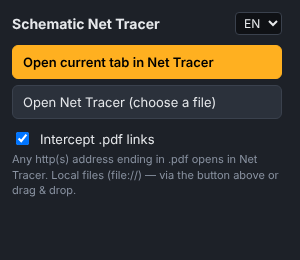
The same viewer as a browser extension: any .pdf link opens in Net Tracer, right-click a link → Open link in Net Tracer, local files via the toolbar button or drag & drop.
- Download
net-tracer-extension.zipfrom the latest release and unzip it into a folder you will keep. - Open
chrome://extensions, turn on Developer mode, click Load unpacked and select thenet-tracerfolder. - For local PDFs, enable Allow access to file URLs in the extension's details.
How it works
pdf.js hands over the page's drawing operators; stroked paths become line segments, small filled circles become junction dots, closed rectangles become component bodies, and the text layer provides labels with rotation-aware boxes. A union-find over wire segments joins coincident ends, T-junctions and dots — crossings without a dot stay separate. Everything that is not a wire (bodies, resistor zigzags, transistor symbols, power triangles) forms graphics clusters that attach to a net without bridging nets. Labels snap to the nearest line end; same-name net labels merge nets within and across pages. The full description is in the README.
Limits: vector PDFs only (scans have no lines to read); if fonts were converted to outlines there are no labels; hierarchical sheet ports without a shared name are not followed.